Client + Server
Testing Modes
Updated for February 2026
Run accurate TCP/UDP measurements, compare Wi-Fi and cellular links, validate VPN changes, and diagnose bottlenecks with a native workflow that feels fast on every screen size.
See core featuresEverything needed for repeatable network tests without turning your phone or laptop into a cluttered lab UI.
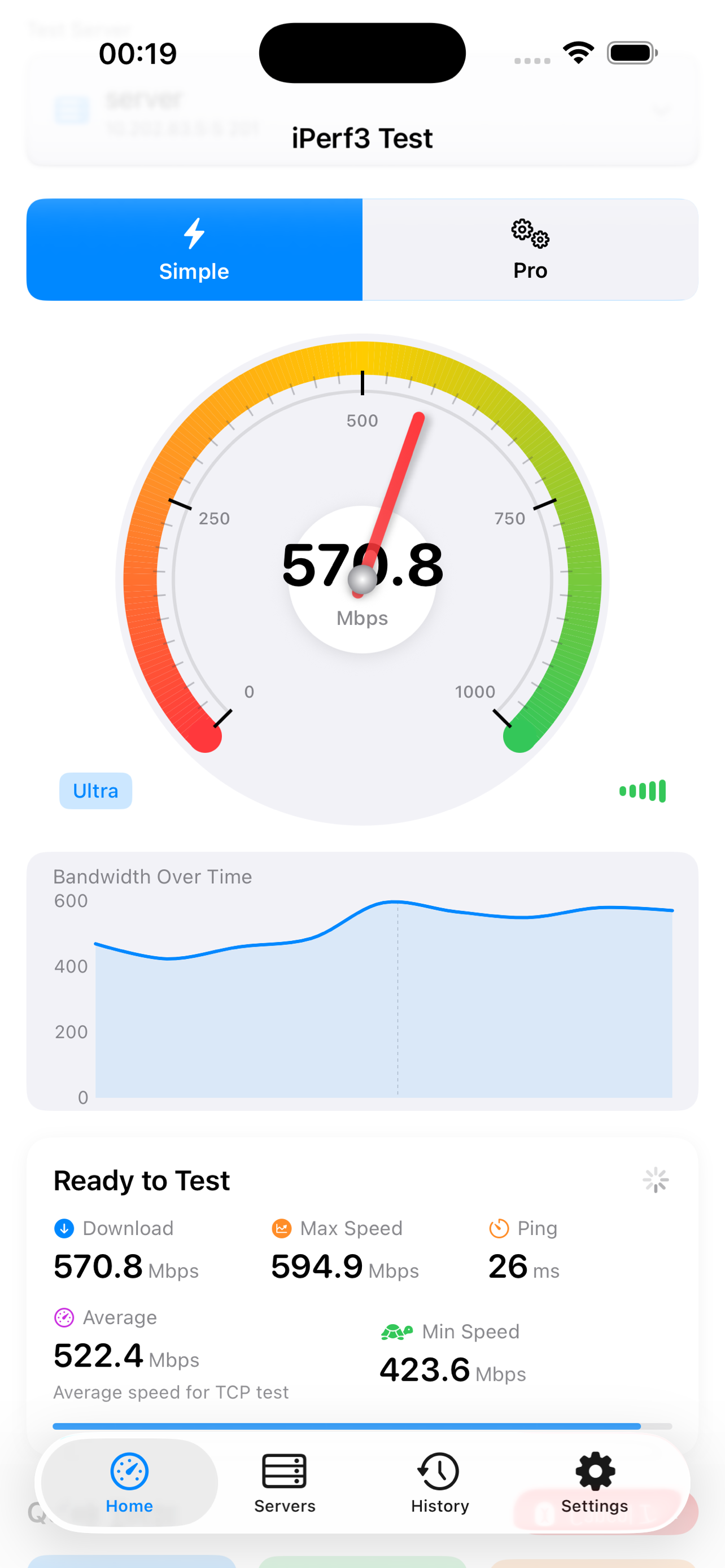
Simple Mode gives quick 8/10/15 second runs. Advanced Mode unlocks full protocol and transport controls.
Tune duration, streams, bandwidth cap, window size, MTU, direction, and more to match production scenarios.
Track throughput, RTT, retransmissions, jitter, packet loss, and per-interval behavior for deeper analysis.
Save profiles, organize favorites, import/export server lists, and keep trusted endpoints ready.
Turn your phone into an iPerf3 server to validate LAN or VPN links from another client instantly.
Keep local test history with visual trends and raw output so regression checks are quick and clear.
Use built-in Shortcuts actions or x-callback-url endpoints to plug tests into larger workflows.
No analytics SDKs, no ads, no cloud account required. Results stay on your device unless you export them.
Swipe or use arrows to explore the full product flow. Tap the main frame to open fullscreen.
Run repeatable diagnostics from Apple Shortcuts or directly via x-callback-url. Open API docs
Launch a test with specific server, protocol, direction, duration, and stream count.
Fetch the most recent test output for widgets, notifications, or logging pipelines.
Check endpoint reachability before running a full throughput session.
Return configured servers for menu-driven automation chains.
# x-callback-url examples

# run test (default durationSec=5 in Shortcuts flow)
iperf3cs://x-callback-url/run-test?server=lab-router.local&protocol=tcp&direction=download&durationSec=5

# get most recent result
iperf3cs://x-callback-url/get-last-result

# from macOS Terminal
open "iperf3cs://x-callback-url/run-test?server=10.0.1.5&protocol=udp&direction=bidirectional"
No tracking SDKs. No analytics pipelines. No user accounts.
Install the app and run your first controlled iPerf3 test in minutes.
Contact us at chamav@gmail.com
Typical response time: 1-2 business days.
Open Support Page